
Finding big keys in a running Valkey cluster with Valkey Admin
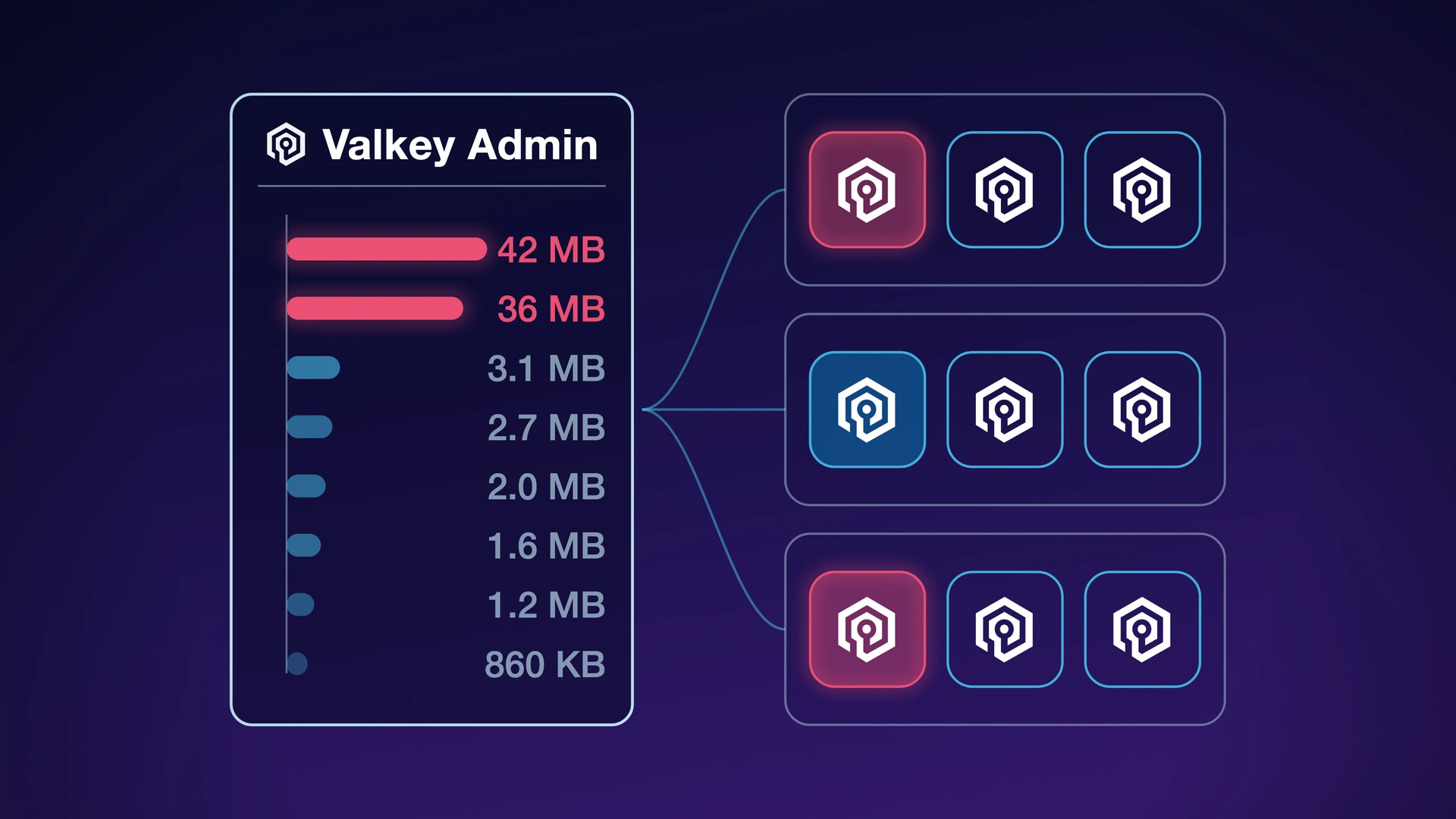
Nobody goes looking for a big key until something else breaks. One shard hits its memory limit while the others sit half idle, or p99 climbs with no change in traffic, and somewhere in the keyspace is a multi-megabyte hash nobody remembers creating. Valkey Admin 1.1 adds big key detection, which ranks the largest keys across every primary of a running cluster in one view, so you can find it without parsing an RDB offline or writing your own SCAN loop.
In this post, we'll walk through why oversized keys are hard to find, how the scan works across shards, and what to do once you have the results.
Why big keys are hard to find
A multi-megabyte hash reads fast, so the first symptom shows up somewhere else. Commandlog surfaces those large replies once they cross your threshold.
Parsing an RDB file offline tells you what the keyspace looked like when the file was written, not now.
valkey-cli --bigkeys covers only the node you point it at and only the database you select, and it reports one key per type and sizes collections by element count, so you never get a list ranked by bytes.
valkey-cli --memkeys calls MEMORY USAGE for every key it scans, so it compares more directly.
Big key detection does it in one pass across the whole cluster, and it complements these tools without replacing them.
How the scan works
Valkey Admin runs SCAN on every primary, collects MEMORY USAGE, TYPE and TTL for each key it samples, ranks those by size, and shows you the largest along with the node each one sits on.
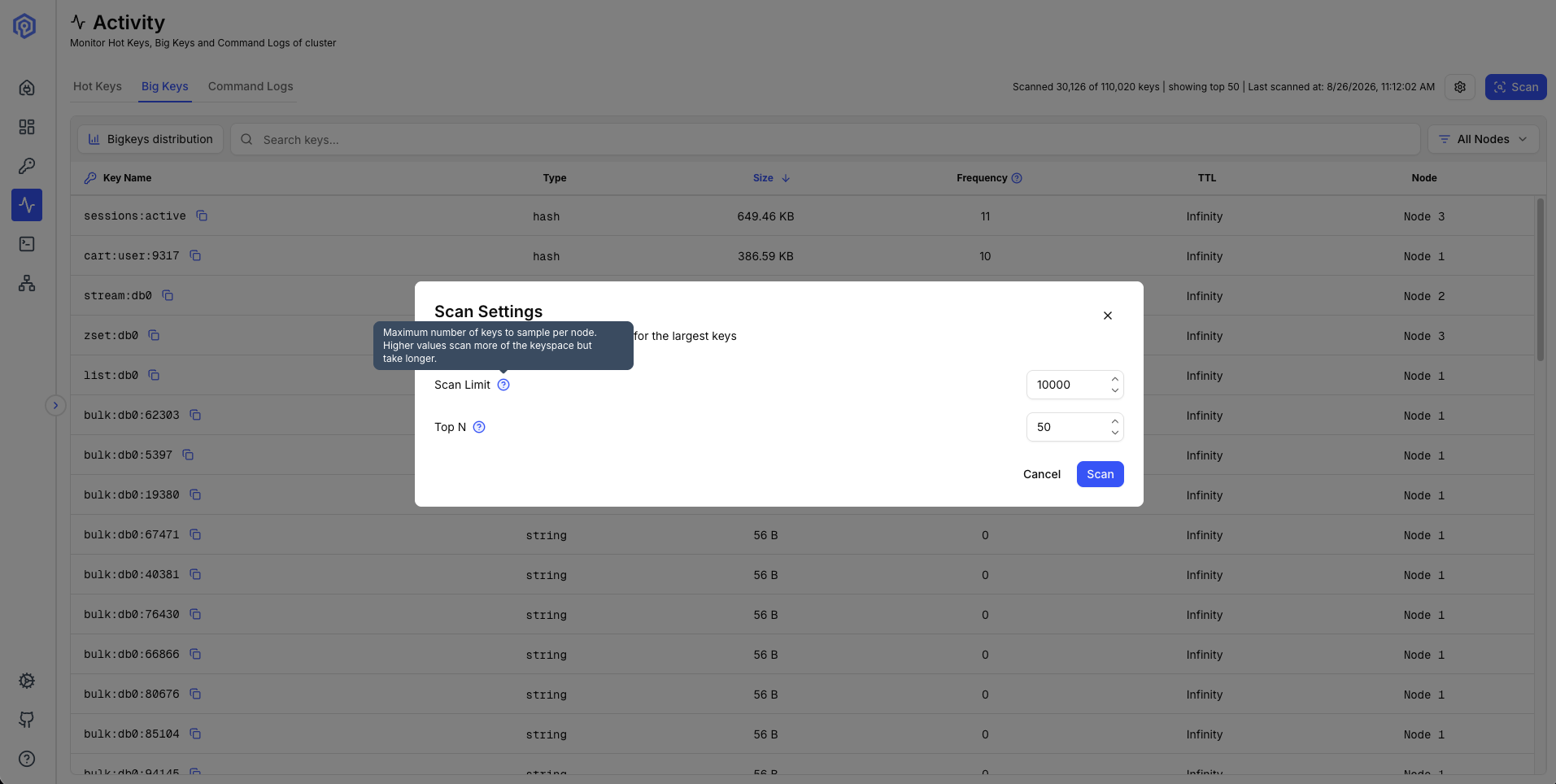
It samples 10,000 keys per primary by default and returns the top 50 of that sample by bytes.
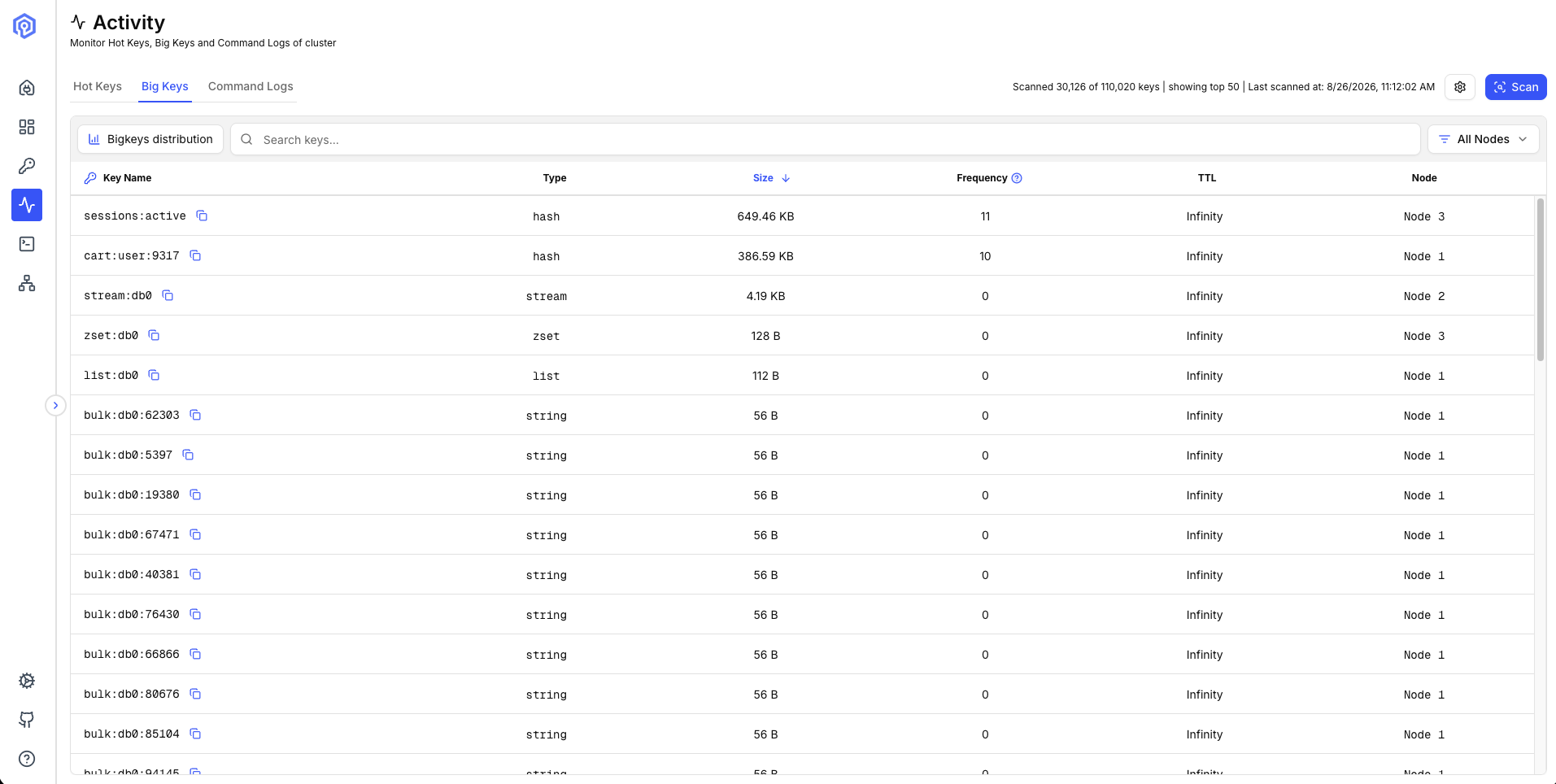
The ranking covers the sample, not the keyspace.
Nothing caps the limit, so raising it above a node key count lets SCAN reach every key that node holds.
Since 1.1.1 that full pass is fast: 2 million keys across 25 shards took 10.34 seconds.
It is not cheap, the scan sends hundreds of thousands of commands to your servers inside that window.
Start at the default to catch the obvious offenders, and raise the limit when you need the ranking to cover every key.
How fast the scan is
Valkey Admin 1.1.1 pipelines the per-key commands into one batch per SCAN iteration.
To give you a sense of scale, we measured a full pass on a 25-shard Amazon ElastiCache for Valkey 9.1.0 cluster with TLS.
TLS is the slower configuration, so leaving it on makes these numbers more likely to be representative.
The keyspace held 2 million string keys of 10 to 5,000 bytes.
We also manually seeded 50 outliers, ranging from 100 KB to 1 MB, to test discovery.
| Keys sampled | Time taken |
|---|---|
| 250,000 | 2.01s |
| 500,000 | 2.98s |
| 1,250,000 | 6.74s |
| 1,750,000 | 9.13s |
| 2,000,000 | 10.34s |
That is roughly 7,700 keys per second per primary, so you can estimate from your own key count and shard count. Collection types and higher network latency will push it slower.
What to do once you have the results
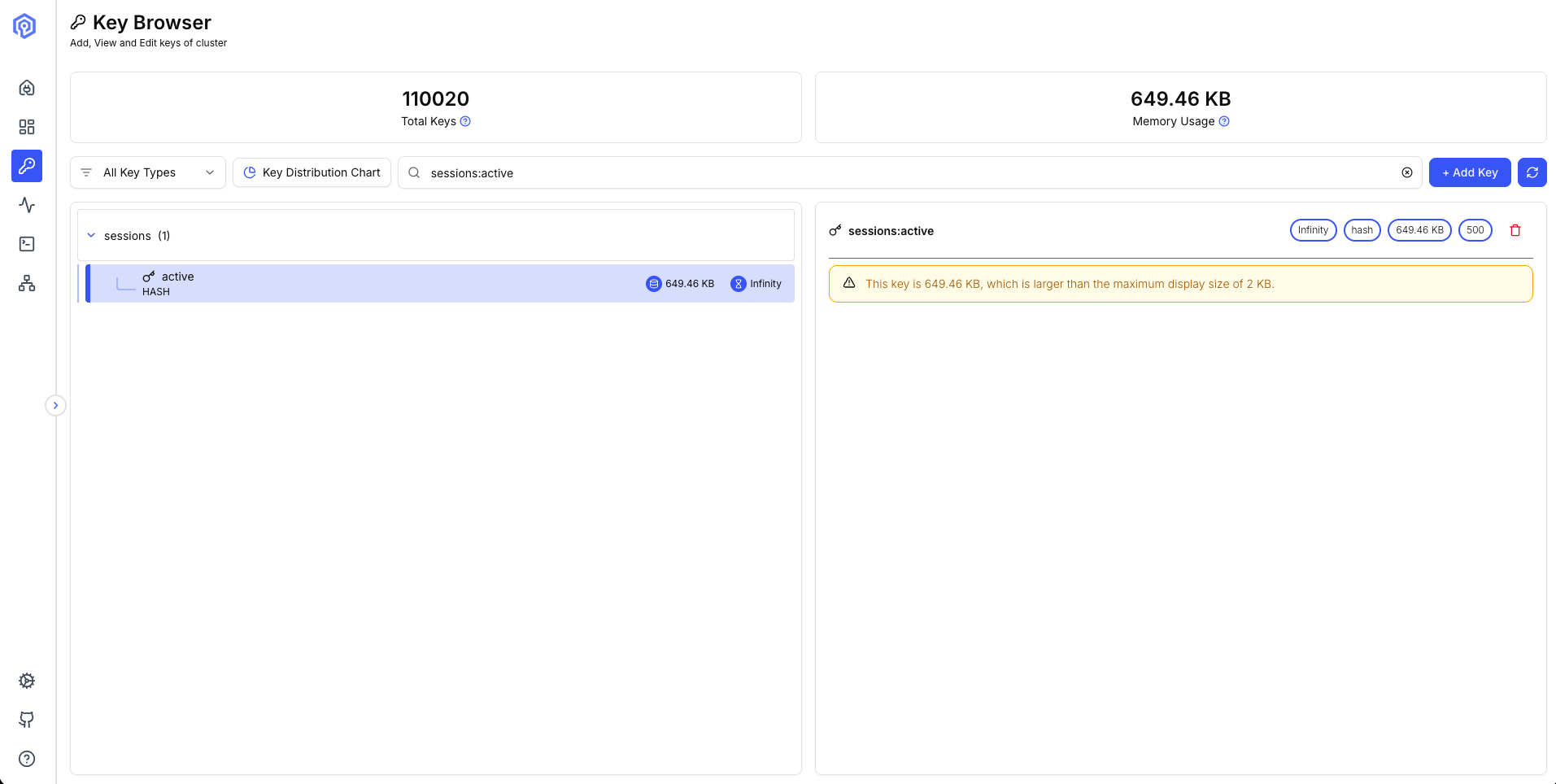
Each row carries the key name, its type, its size, its TTL and the node it lives on, and clicking a row copies the key name. Valkey Admin does not render values above a configurable threshold, 2 KB by default, so the key browser will typically just show the memory footprint and, for collection types, the element count for large keys.
OBJECT ENCODING reports whether a hash or list has outgrown its compact listpack encoding.
That conversion is a common reason a key grows faster than the data inside it, and The secret life of data in Valkey goes deeper on encodings.
Check whether the key has a TTL, since data you never meant to keep usually just needs one.
You can also split a single collection across several keys, but decide first whether to spread the pieces across slots to balance memory or hold them together with a hash tag so related reads stay on one node.
Spreading the pieces across slots costs you atomicity, since a transaction cannot span slots, while a hash tag keeps them together and lets MULTI and EXEC still cover them.
Join the community
Valkey Admin gives Valkey users a single place to monitor, inspect, and troubleshoot Valkey clusters, and 1.1 adds finding the keys that cost you memory and tail latency. We invite you to try it out. You can download the latest desktop builds for macOS and Linux from the releases page, and pull container images from GitHub Container Registry, Docker Hub and the Amazon Elastic Container Registry (ECR) Public Gallery. The release notes have everything else in 1.1.0 and 1.1.1.
The project lives at github.com/valkey-io/valkey-admin under the Apache 2.0 license.
@nassery318 built Big Keys. @ravjotbrar traced the scan cost to round trips and pipelined the per-key commands, and @ArgusLi replaced the numbered database dropdown. Thank you to everyone who filed issues and tested pre-release builds.
 Slack
Slack
 GitHub
 LinkedIn
 X.com
X.com
 YouTube
 Connect
